A card game a quantum team never loses
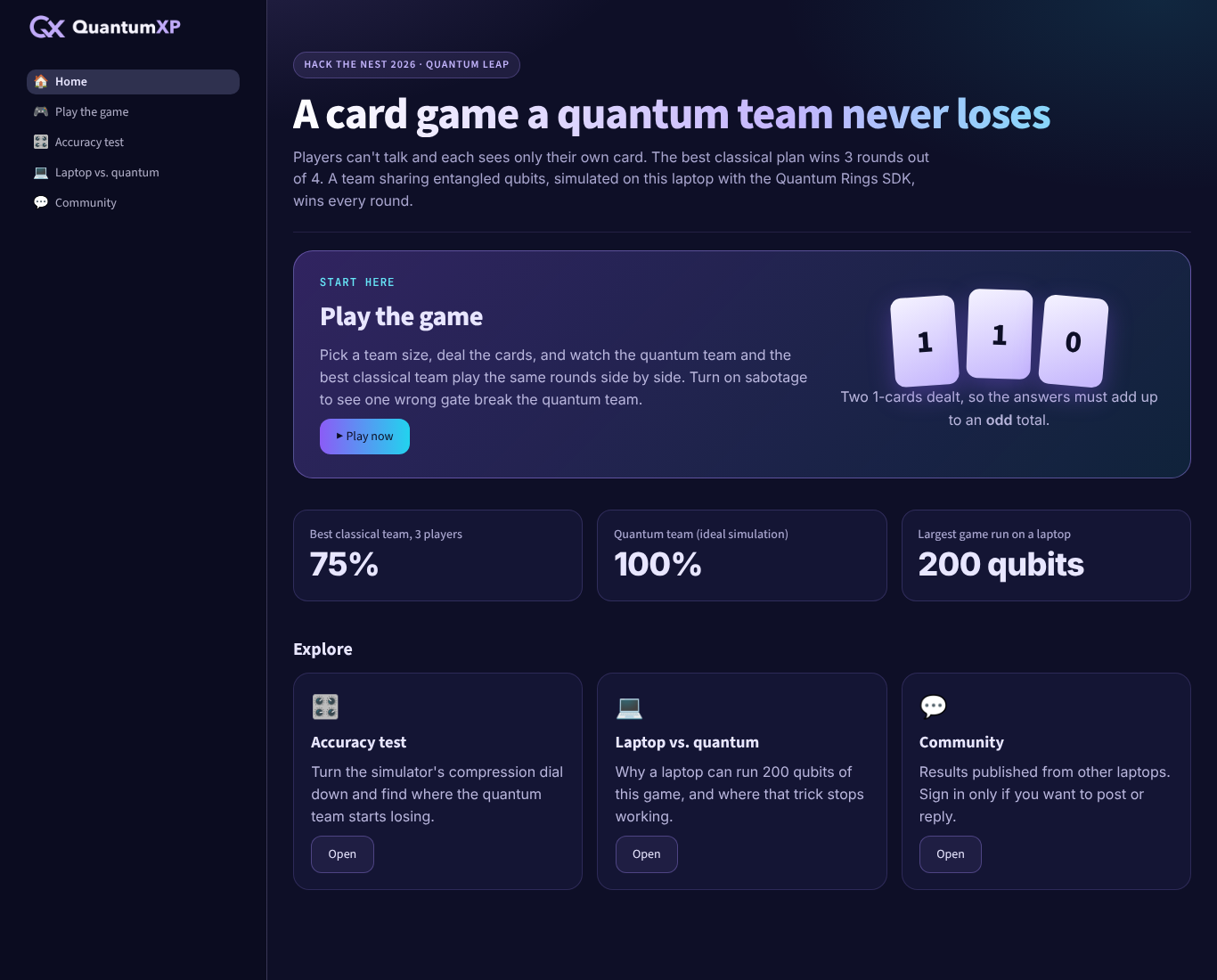
Players can't talk and each sees only their own card. The best classical plan wins 3 rounds out of 4. A team sharing entangled qubits, simulated on a laptop with the Quantum Rings SDK, wins every round.
Two 1-cards dealt, so the answers must add up to an odd total.
Run the game in your browser
Pick a team size and press Play. Your browser simulates the quantum circuit for every round and plays the best possible classical plan on the same cards.
About this demo: your browser computes the exact quantum state for teams of 3 to 10 players (up to 1,024 numbers). It does not use the Quantum Rings SDK. The full app runs the same circuit on the Quantum Rings SDK, where we played teams of 200 qubits, and adds the accuracy test and community results. The 100% is for an ideal, noise-free simulation; real quantum hardware is noisy and would win somewhat less often.
Three rules, one impossible task
This is the Mermin–GHZ game. No plan agreed in advance can win every round, because the right answer depends on every card and each player sees only one.
Everyone gets a card
Each player gets a 0 or a 1. The referee always deals an even number of 1-cards.
Answer blind
Each player answers 0 or 1, seeing only their own card.
The total must fit
Even total when 0, 4, 8… ones were dealt; odd when 2, 6, 10… were dealt.
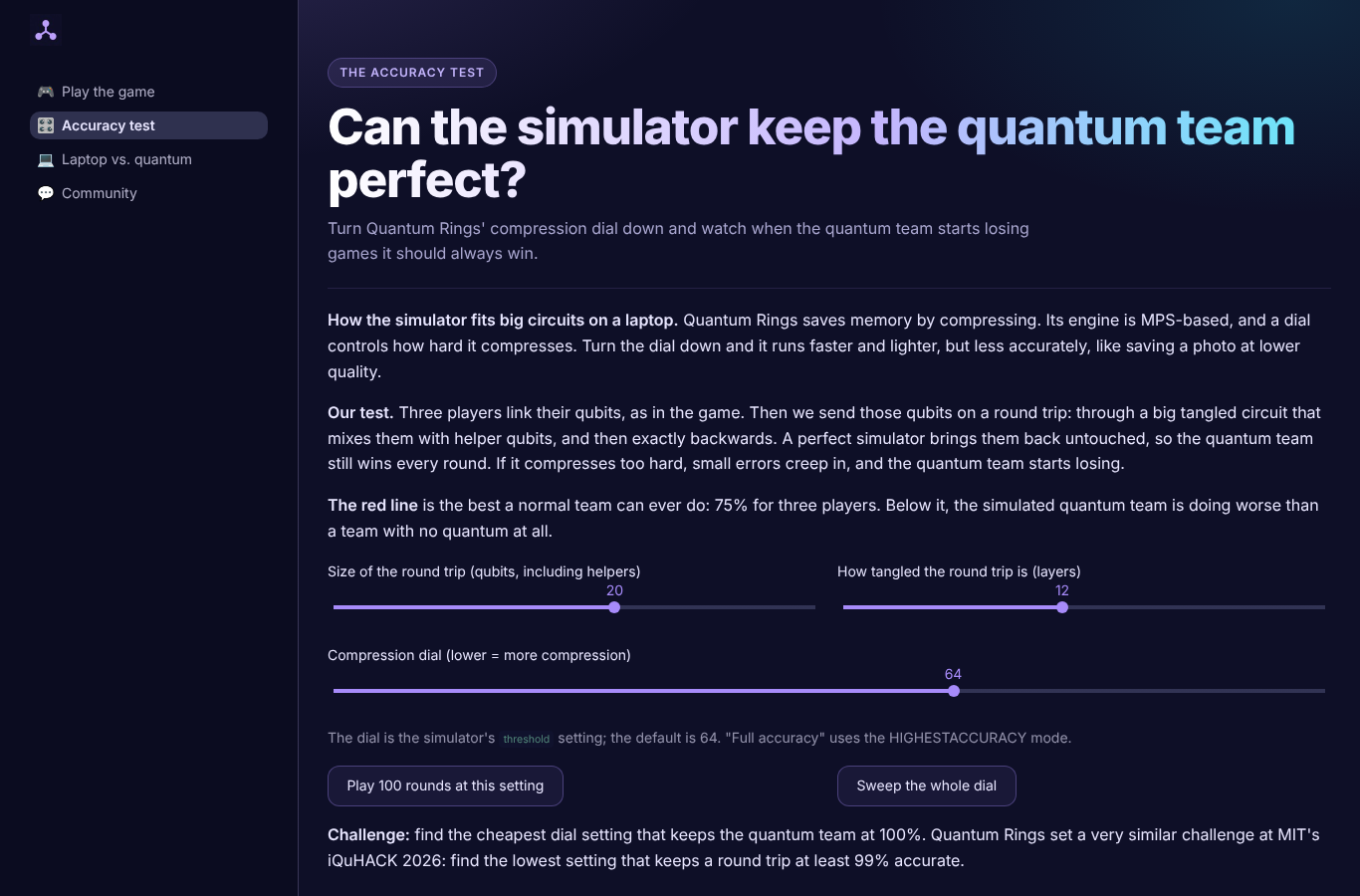
How far can the simulator compress before the quantum team loses?
Quantum Rings fits big circuits on a laptop by compressing, controlled by a dial. We send the players' qubits through a 20-qubit scrambling circuit and exactly back, then play. A perfect simulation keeps the quantum team at 100%. Too much compression and it starts losing, at the lowest setting even below the best classical team.
Quantum team win rate at each compression-dial setting (lower = more compression). Measured on a MacBook (Apple silicon, 64 GB) with QuantumRingsLib 0.12.2: 3 players + 17 helper qubits, 12 scrambling layers, 100 rounds per setting. 99% means one lost round out of 100, so the exact cutoff can move by a step between runs.
Explore, compare, share
Laptop vs. quantum
Why writing out a quantum state blows up your computer's memory, measured on your own machine, and how Quantum Rings gets around it.
Community results
Publish your accuracy test and compare laptops. Results and replies are stored in MongoDB Atlas.
Optional sign-in
Everything works without an account. Sign in with SSOJet only to publish a result or reply.
Run it on your own laptop
The app runs locally, because the quantum simulation runs on your machine. You need Python 3.11+ and a free Quantum Rings SDK key.
git clone https://github.com/Cooldode/quantumxp
cd quantumxp
python3.11 -m venv .venv && source .venv/bin/activate
pip install -r requirements.txt
export QR_TOKEN="your-sdk-key"
export QR_ACCOUNT="your-account-email"
streamlit run app.py